Security Headers Every Website Needs in 2026
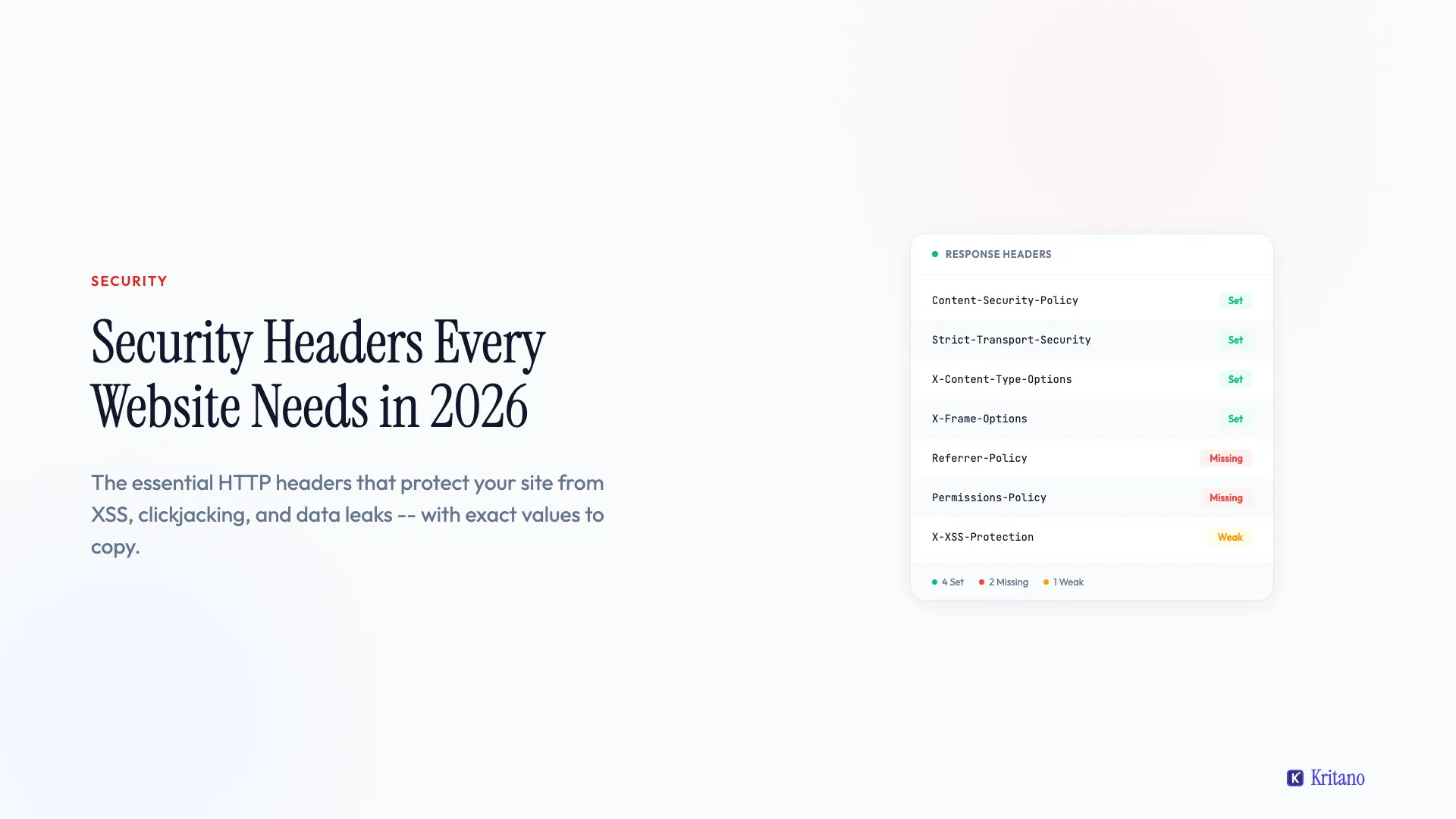
Here's something that surprises most people: your website can have a valid SSL certificate, a strong password policy, and up-to-date software - and still be vulnerable to a whole class of attacks because you're missing security headers in your server configuration.
Now what is a security header? They're HTTP response headers that tell the browser how to behave when loading your site - things like "don't let anyone embed this page in an iframe", "only load scripts from these specific domains", and "always use HTTPS, even if someone types HTTP". Most websites are missing at least half of them, and adding them usually takes less than 30 minutes.
Here are the security headers every website should have in 2026, what each one does in plain English, and the exact values I'd recommend.
1. Content-Security-Policy (CSP)
This is the big one - and the most misunderstood. A Content-Security-Policy header tells the browser exactly which sources are allowed to load scripts, styles, images, fonts, and other resources on your page. If a source isn't on the allowlist, the browser blocks it.
Why it matters: CSP is your primary defence against cross-site scripting (XSS) attacks. If an attacker manages to inject a malicious script into your page, CSP prevents the browser from executing it because the script's source isn't in your policy.
Recommended value:
Content-Security-Policy: default-src 'self'; script-src 'self'; style-src 'self' 'unsafe-inline'; img-src 'self' data: https:; font-src 'self' https://fonts.gstatic.com; connect-src 'self'; frame-ancestors 'none'; base-uri 'self'; form-action 'self'
The honest trade-off: CSP is the hardest header to get right. If you use third-party analytics (Google Analytics), chat widgets (Intercom, Crisp), or payment processors (Stripe), you'll need to add their domains to the appropriate directives. Start with Content-Security-Policy-Report-Only to monitor what would break before enforcing it. Tools like Google's CSP Evaluator can help you validate your policy.
A practical tip: Don't use 'unsafe-eval' in your script-src unless you absolutely have to. It undermines most of the XSS protection that CSP provides.
2. Strict-Transport-Security (HSTS)
HSTS tells the browser: "Always use HTTPS when connecting to this site, even if the user types http://." Once the browser sees this header, it automatically upgrades all future requests to HTTPS for the specified duration.
Why it matters: Without HSTS, an attacker on the same network (think public Wi-Fi) could intercept the initial HTTP request before it redirects to HTTPS - a classic man-in-the-middle attack. HSTS eliminates that window entirely.
Recommended value:
Strict-Transport-Security: max-age=31536000; includeSubDomains; preload
This sets HTTPS enforcement for one year (31536000 seconds), applies it to all subdomains, and signals that you'd like to be included in browser preload lists - meaning browsers will use HTTPS for your domain even on the very first visit.
Important: Only enable includeSubDomains if all your subdomains support HTTPS. If you've got a subdomain still running on HTTP, this will break it.
3. X-Content-Type-Options
This one's simple but important. It tells the browser: "Don't try to guess the MIME type of a file - use exactly what I tell you."
Why it matters: Without this header, browsers can "sniff" the content type and potentially interpret a text file as JavaScript or an image as HTML. This is called MIME-type confusion, and it's a vector for drive-by download attacks.
Recommended value:
X-Content-Type-Options: nosniff
That's it. One value, no configuration needed. There's no reason not to set this on every site.
4. X-Frame-Options
This header controls whether your site can be embedded inside an <iframe> on another domain. Without it, an attacker could embed your site in a hidden iframe and trick users into clicking buttons they can't see - known as clickjacking.
Why it matters: Clickjacking is particularly dangerous for sites with sensitive actions - login forms, payment pages, settings panels. An attacker overlays your real page with a transparent layer, so when the user thinks they're clicking "Play Video", they're actually clicking "Transfer Funds".
Recommended value:
X-Frame-Options: DENY
Use DENY if your site should never be framed. Use SAMEORIGIN if you need to embed your own pages (e.g. an admin panel embedding a preview). Never use ALLOW-FROM - it's deprecated and inconsistently supported.
Note: The frame-ancestors directive in CSP does the same thing and is the modern replacement. But X-Frame-Options is still worth setting for older browsers that don't fully support CSP.
5. Referrer-Policy
When a user clicks a link on your site that takes them to another domain, the browser sends a Referer header telling the destination site where the user came from. This can leak sensitive information - particularly if your URLs contain tokens, session IDs, or private page paths.
Why it matters: If your password reset URL looks like example.com/reset?token=abc123 and the user clicks an external link on that page, the full URL (including the token) gets sent to the external site.
Recommended value:
Referrer-Policy: strict-origin-when-cross-origin
This sends only the origin (e.g. https://example.com) when navigating to a different domain, but sends the full URL for same-origin requests. It's the best balance between privacy and functionality - analytics tools like Google Analytics still work fine with this setting.
6. Permissions-Policy
Formerly called Feature-Policy, this header controls which browser features your site is allowed to use - camera, microphone, geolocation, payment APIs, and more. If you're not using a feature, you should explicitly disable it.
Why it matters: If an attacker manages to inject content into your page (via XSS or a compromised third-party script), Permissions-Policy limits what they can do with it. Even if they inject a script that tries to access the camera, the browser will block it because your policy says no.
Recommended value:
Permissions-Policy: camera=(), microphone=(), geolocation=(), payment=(), usb=(), interest-cohort=()
The empty parentheses () mean "disable this feature entirely". The interest-cohort=() directive opts out of Google's FLoC/Topics API tracking - worth including for privacy.
Adjust as needed: If your site legitimately uses geolocation (e.g. a store locator), change geolocation=() to geolocation=(self) to allow it for your own domain only.
7. X-XSS-Protection
This header activates the browser's built-in XSS filter. In modern browsers, this filter is mostly redundant if you have a strong CSP - but it's still worth setting as a defence-in-depth measure for older browsers.
Why it matters: Some older browsers (particularly older versions of Chrome and Safari) have a built-in XSS auditor that can detect and block reflected XSS attacks. This header ensures it's enabled.
Recommended value:
X-XSS-Protection: 1; mode=block
The mode=block directive tells the browser to block the entire page rather than trying to sanitise the malicious content - which is the safer option.
Note: Chrome removed its XSS Auditor in version 78, and Firefox never implemented one. This header is effectively a legacy safeguard, but it takes one line to set and doesn't hurt anything.
8. Cross-Origin Headers (COOP, COEP, CORP)
These three headers control how your site interacts with cross-origin resources and are increasingly important for modern web security:
Cross-Origin-Opener-Policy (COOP): Prevents other sites from gaining a reference to your window object.
Cross-Origin-Opener-Policy: same-origin
Cross-Origin-Embedder-Policy (COEP): Ensures all cross-origin resources your page loads have explicitly opted in to being loaded.
Cross-Origin-Embedder-Policy: require-corp
Cross-Origin-Resource-Policy (CORP): Controls which sites can load your resources (images, scripts, etc.).
Cross-Origin-Resource-Policy: same-origin
Why they matter: Together, these headers enable cross-origin isolation - a security state that unlocks high-resolution timers (SharedArrayBuffer) while preventing Spectre-style side-channel attacks. They also prevent your site from being used as a data exfiltration vector.
The honest trade-off: COEP in particular can be tricky. If your site loads images from a CDN, fonts from Google Fonts, or scripts from a third party, those resources need to send their own Cross-Origin-Resource-Policy: cross-origin header. If they don't, your page will break. Test thoroughly before deploying COEP.
How to Check Your Security Headers
Before you start adding headers, check what you've already got:
- SecurityHeaders.com - Scan any URL and get an A-F grade with specific recommendations. Free and instant.
- Mozilla Observatory - More comprehensive than SecurityHeaders.com, includes TLS configuration checks and cookie security. Most website audit tools skip security headers entirely. See which tools actually include security scanning.
- Kritano - Our security audit checks 40+ security indicators including all the headers above, plus cookie flags, mixed content, exposed files, and more.
- Browser DevTools - Open the Network tab, click on any request, and look at the Response Headers section.
Where to Set These Headers
Where you add security headers depends on your stack:
- Nginx: Add
add_headerdirectives in your server block or location block - Apache: Use
Header setin your.htaccessfile or virtual host config - Cloudflare: Use Transform Rules or Workers to add response headers
- Vercel/Netlify: Add a
headerssection to yourvercel.jsonor_headersfile - Express.js: Use the
helmetnpm package - it sets sensible defaults for most of these headers in one line:app.use(helmet())
If you're using WordPress, the Headers Security Advanced & HSTS WP plugin handles most of these through a UI.
Common Mistakes to Avoid
- Setting CSP too loosely. A policy of
default-src *is the same as having no CSP at all. Be specific about which sources you allow. - Forgetting to test. Always test in a staging environment first. A misconfigured CSP will break your entire site's JavaScript.
- Not setting headers on all responses. Make sure your headers apply to HTML documents, API responses, and error pages - not just your homepage.
- Using deprecated values.
X-Frame-Options: ALLOW-FROMandX-XSS-Protection: 0are outdated patterns. Use the modern equivalents.
The One That Matters Most
If I had to pick one header to set today, it's Strict-Transport-Security. It's the easiest to implement, it has zero risk of breaking your site (assuming you're already on HTTPS), and it immediately closes a real attack vector. You can literally add it in 30 seconds.
After that, add X-Content-Type-Options: nosniff and X-Frame-Options: DENY - both are one-liners with no configuration. Then tackle CSP, which takes more thought but provides the most protection.
If you want to see exactly which security headers your site is missing - along with everything else that might need attention - join the waitlist and I'll give you the full picture and a clear list of what to fix first.

Founder of Kritano
5 years in web development. I specialise in web auditing, WCAG 2.2 compliance, and search engine optimisation.
I built Kritano after years of running audits with fragmented tools. I write about SEO, accessibility, security, and performance based on real auditing data from thousands of scans.